Computing
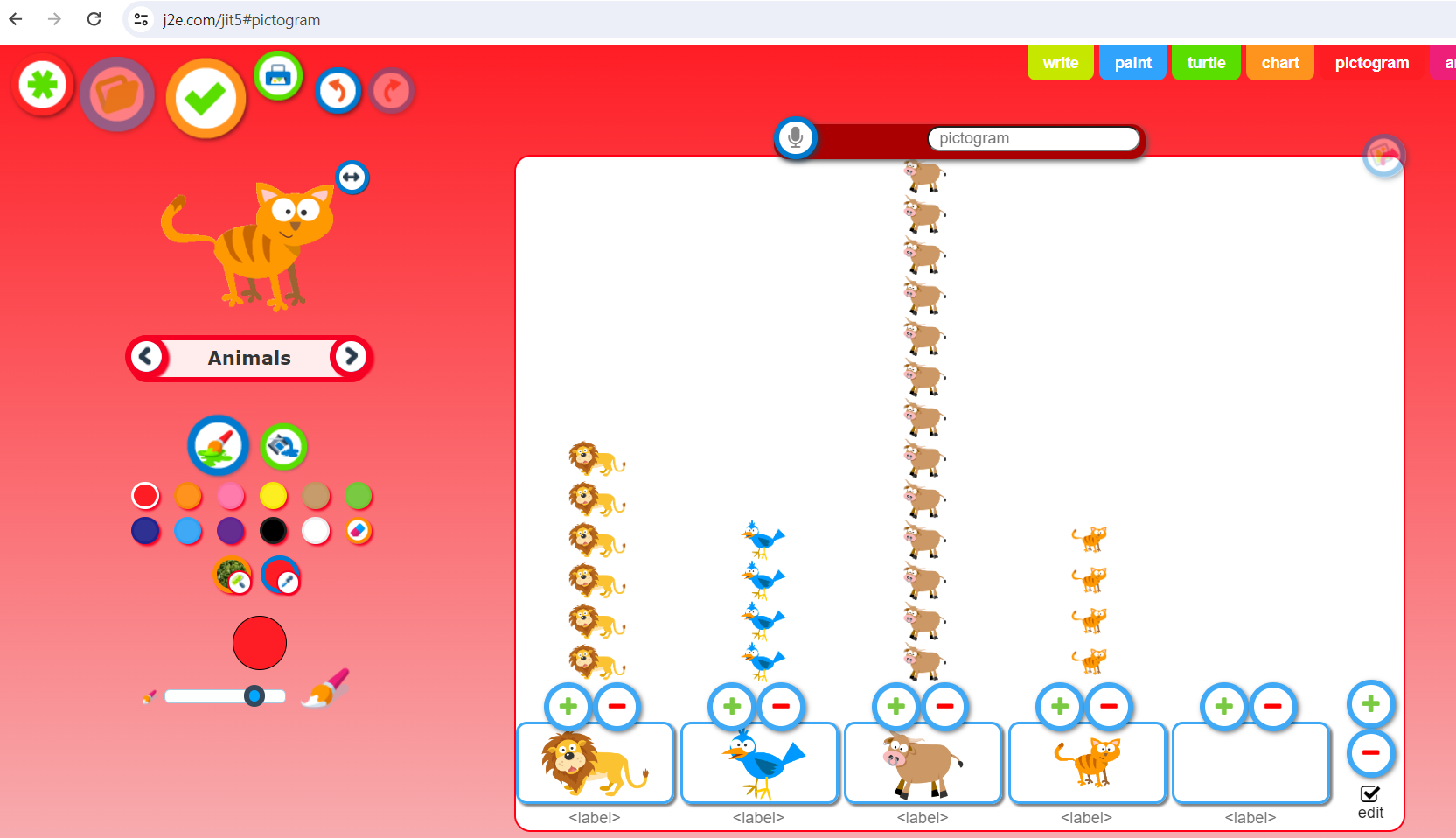
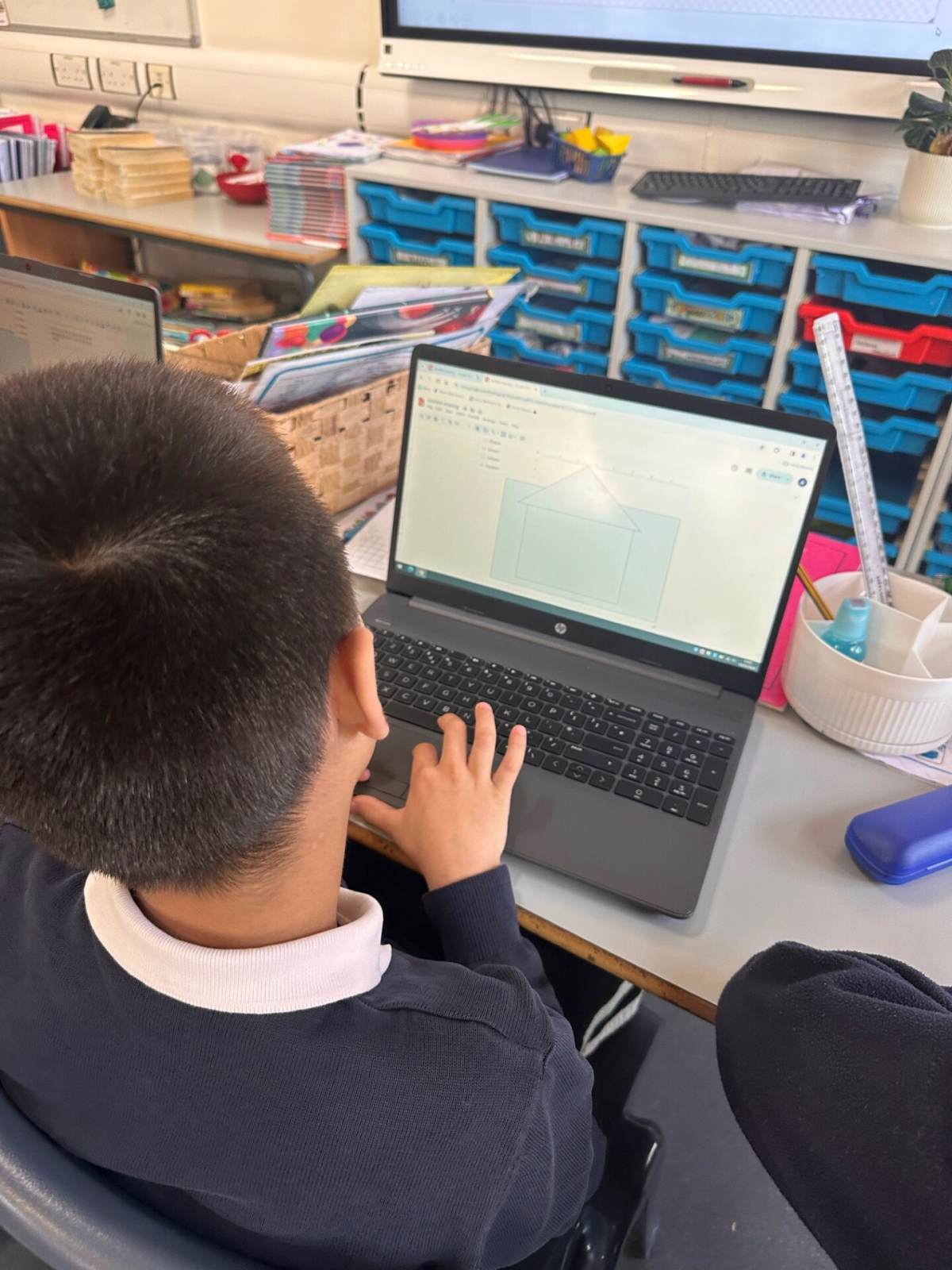
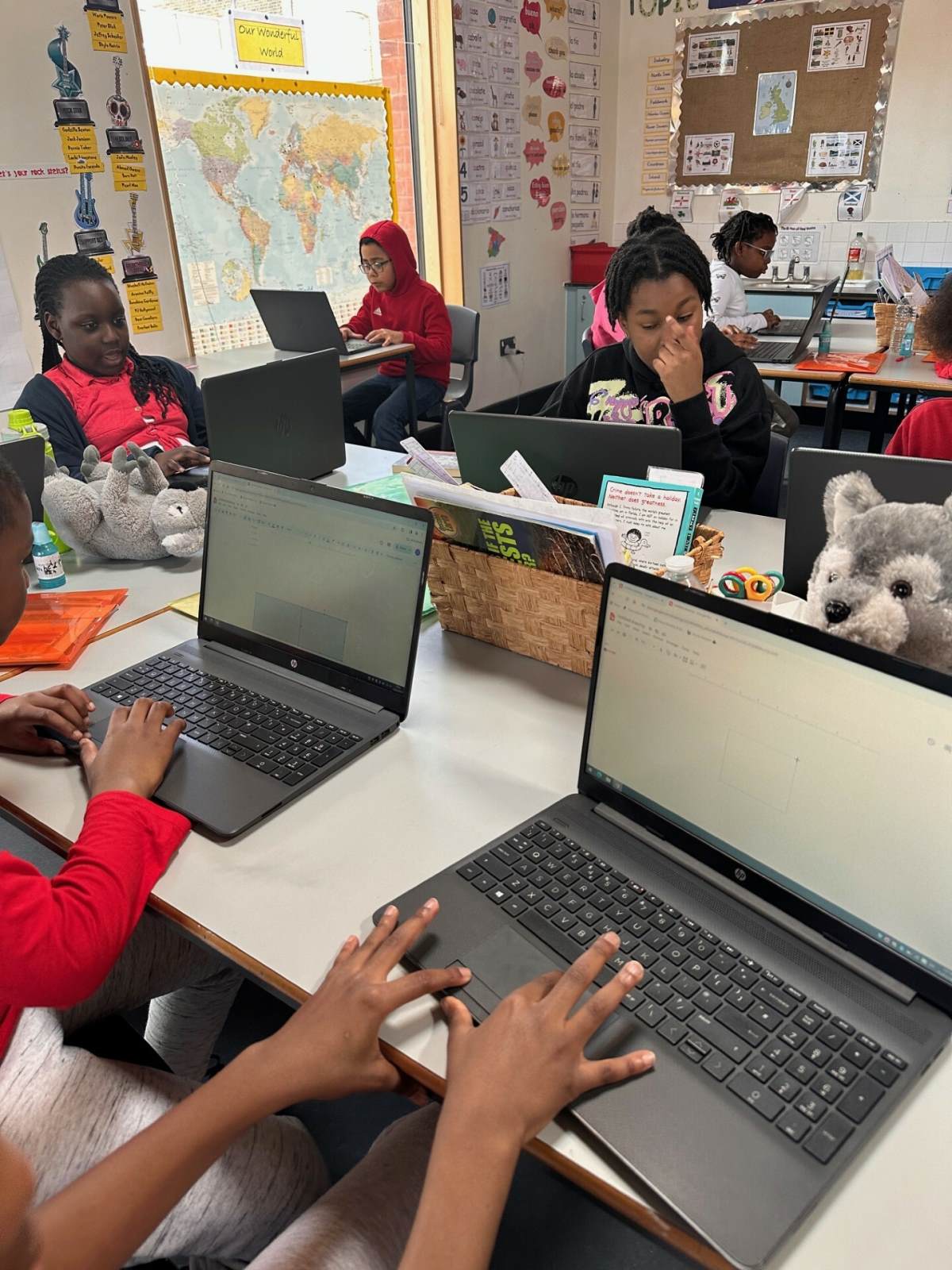
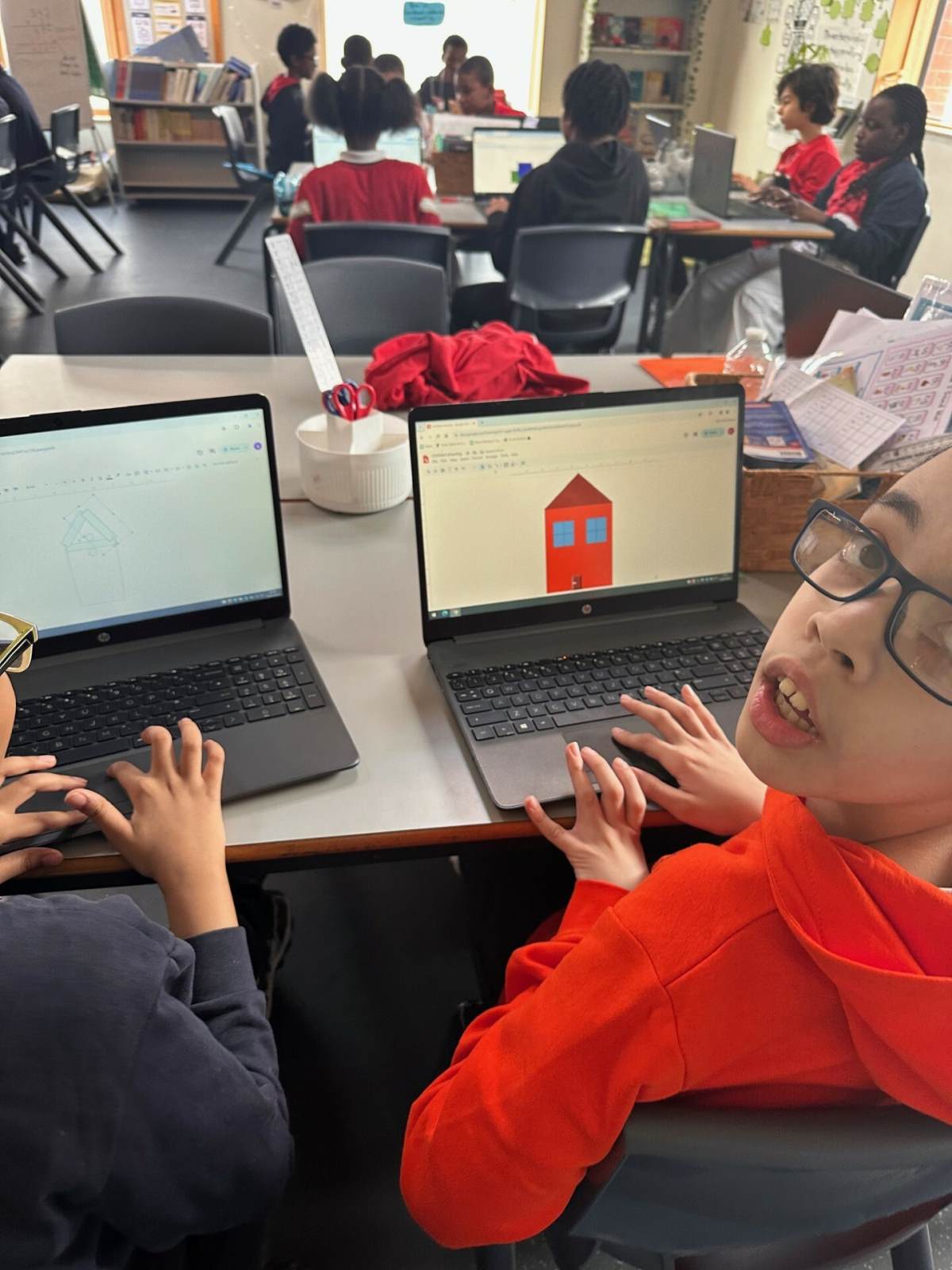
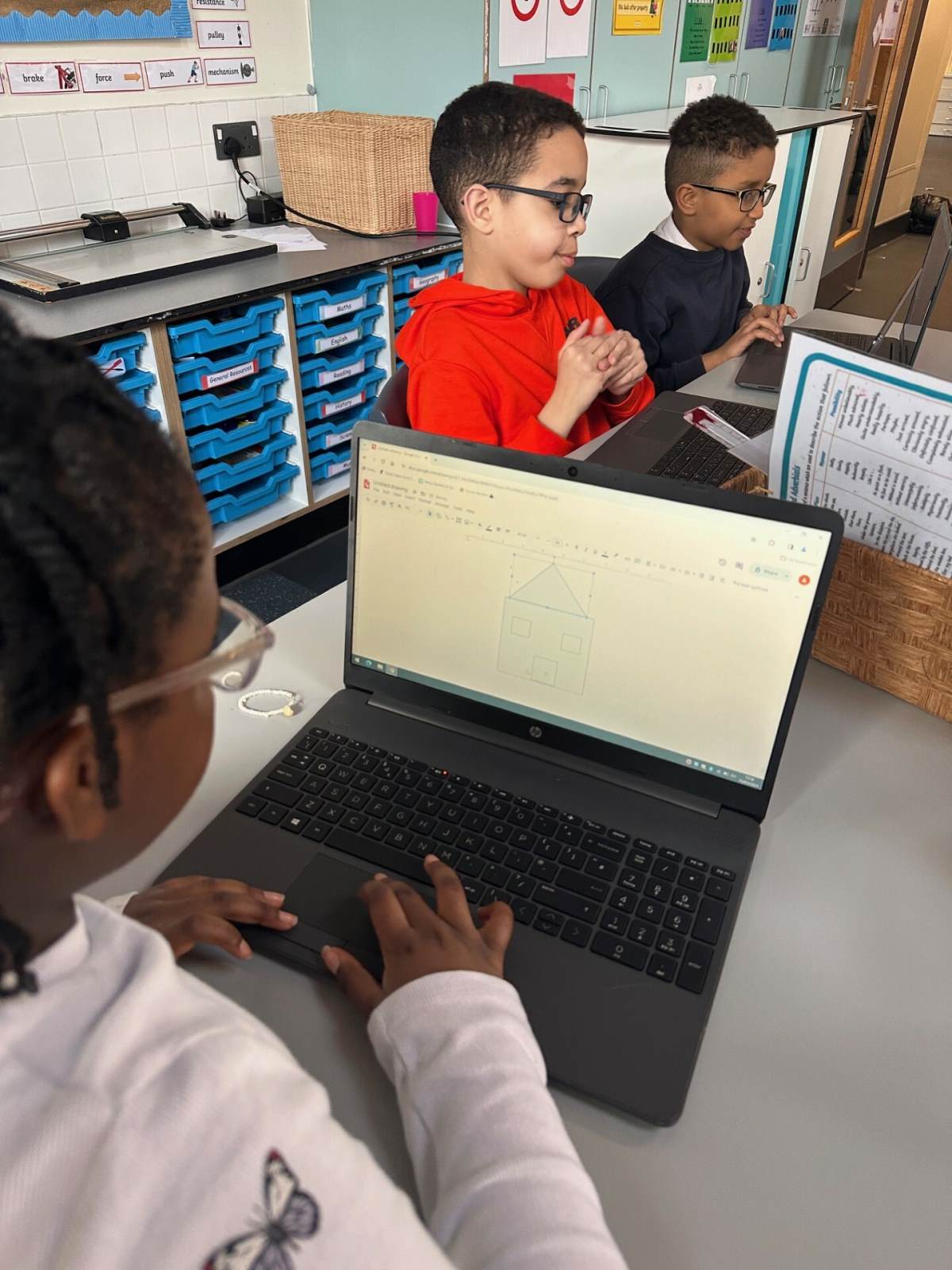
Computing is developing into one of the most important parts of the curriculum. Technology is part of everyday life and for most of us, is essential to our lives at home and at work.
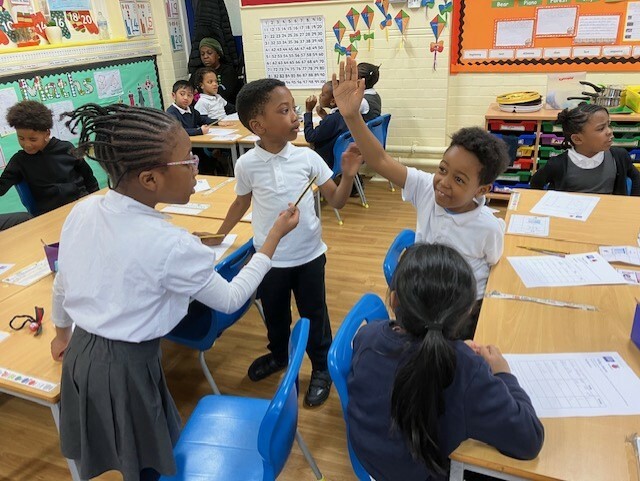
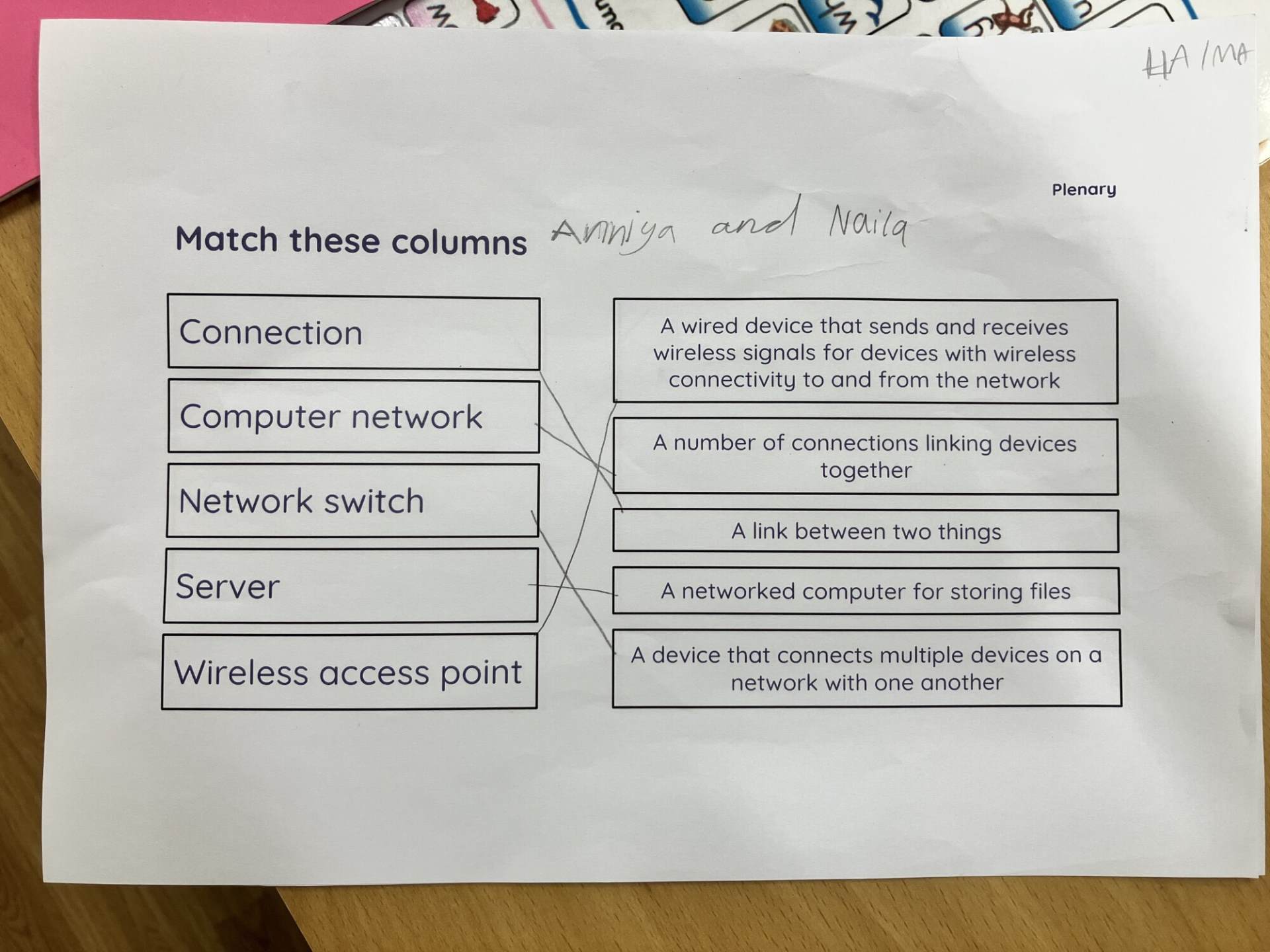
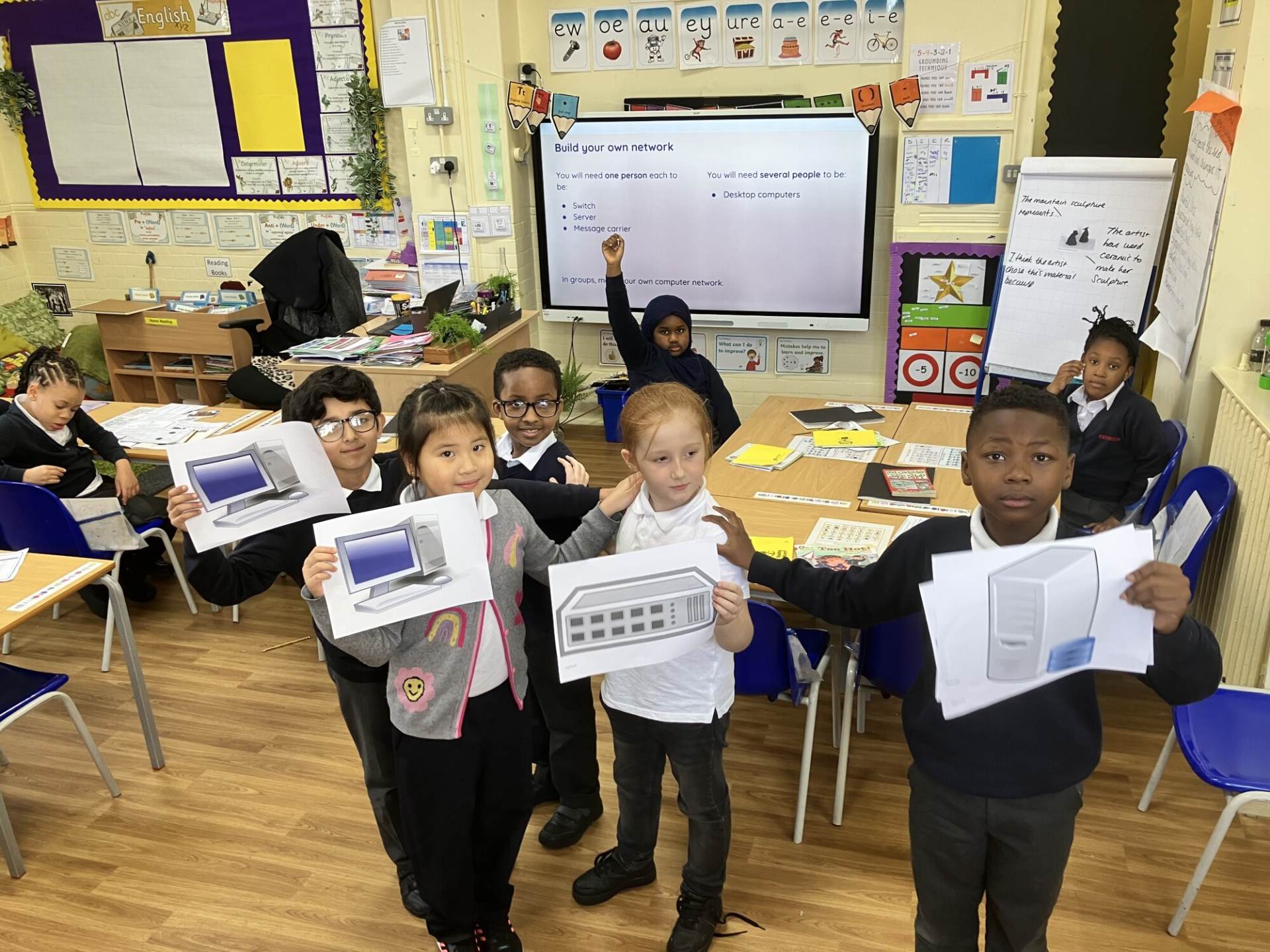
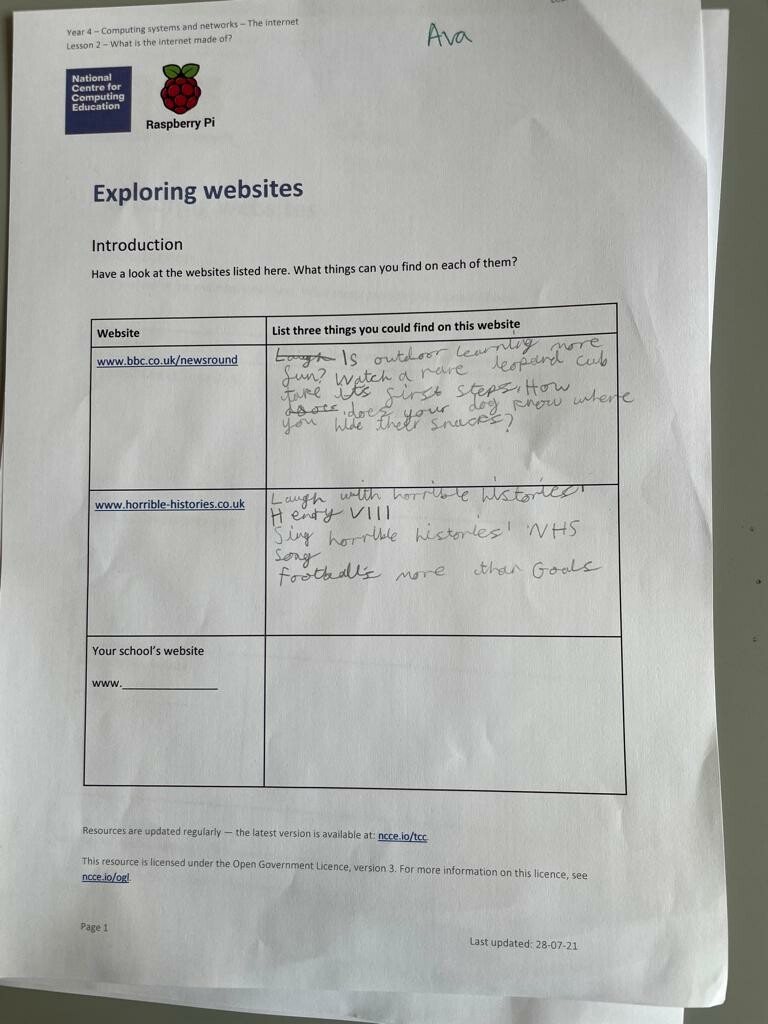
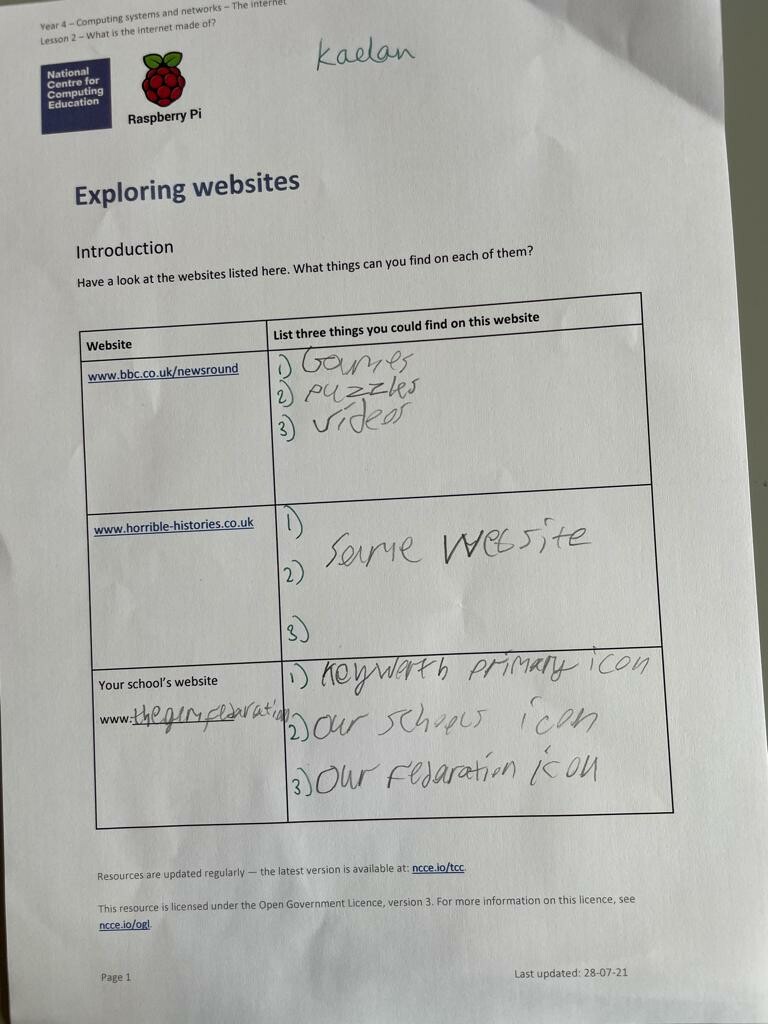
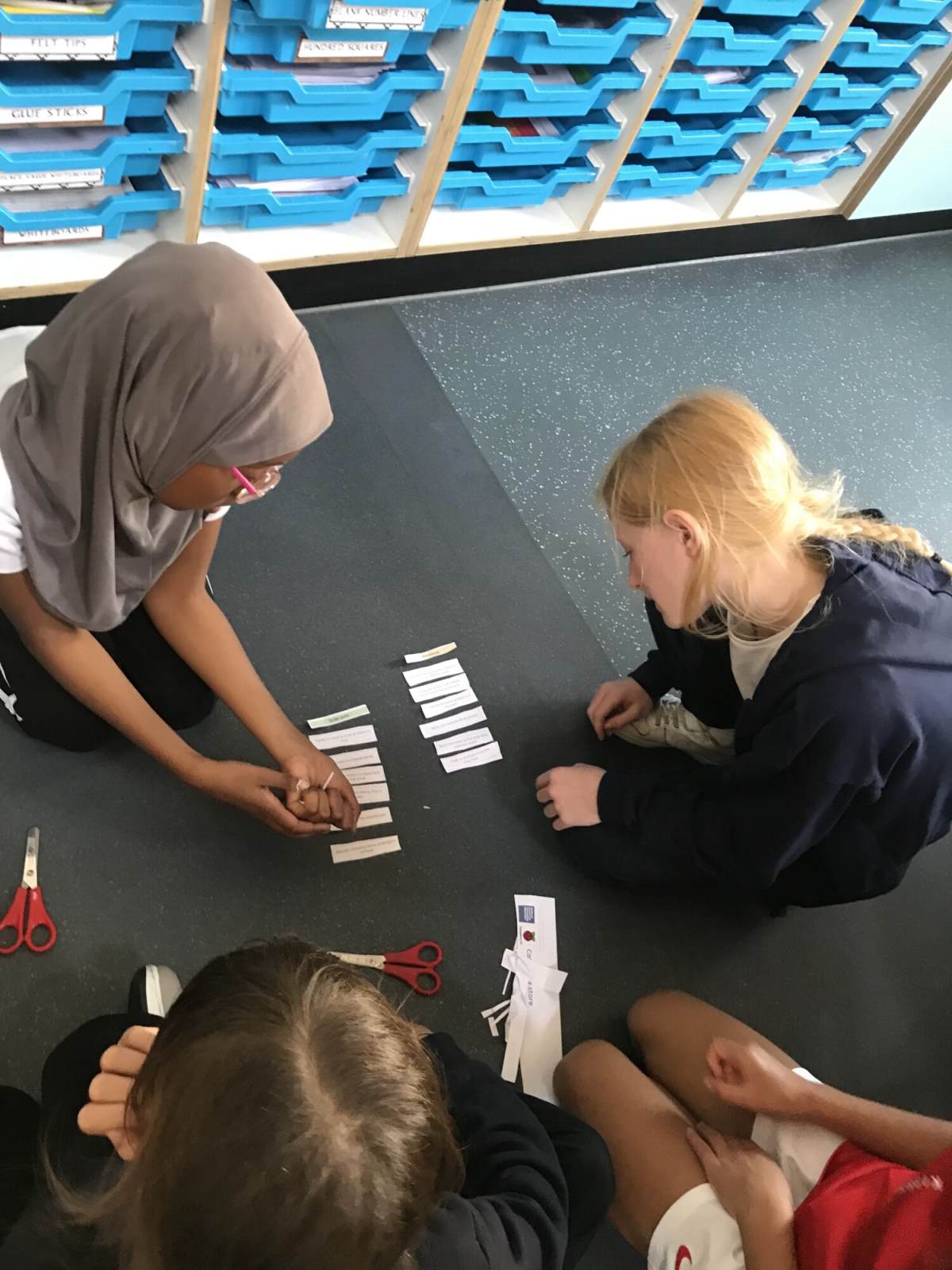
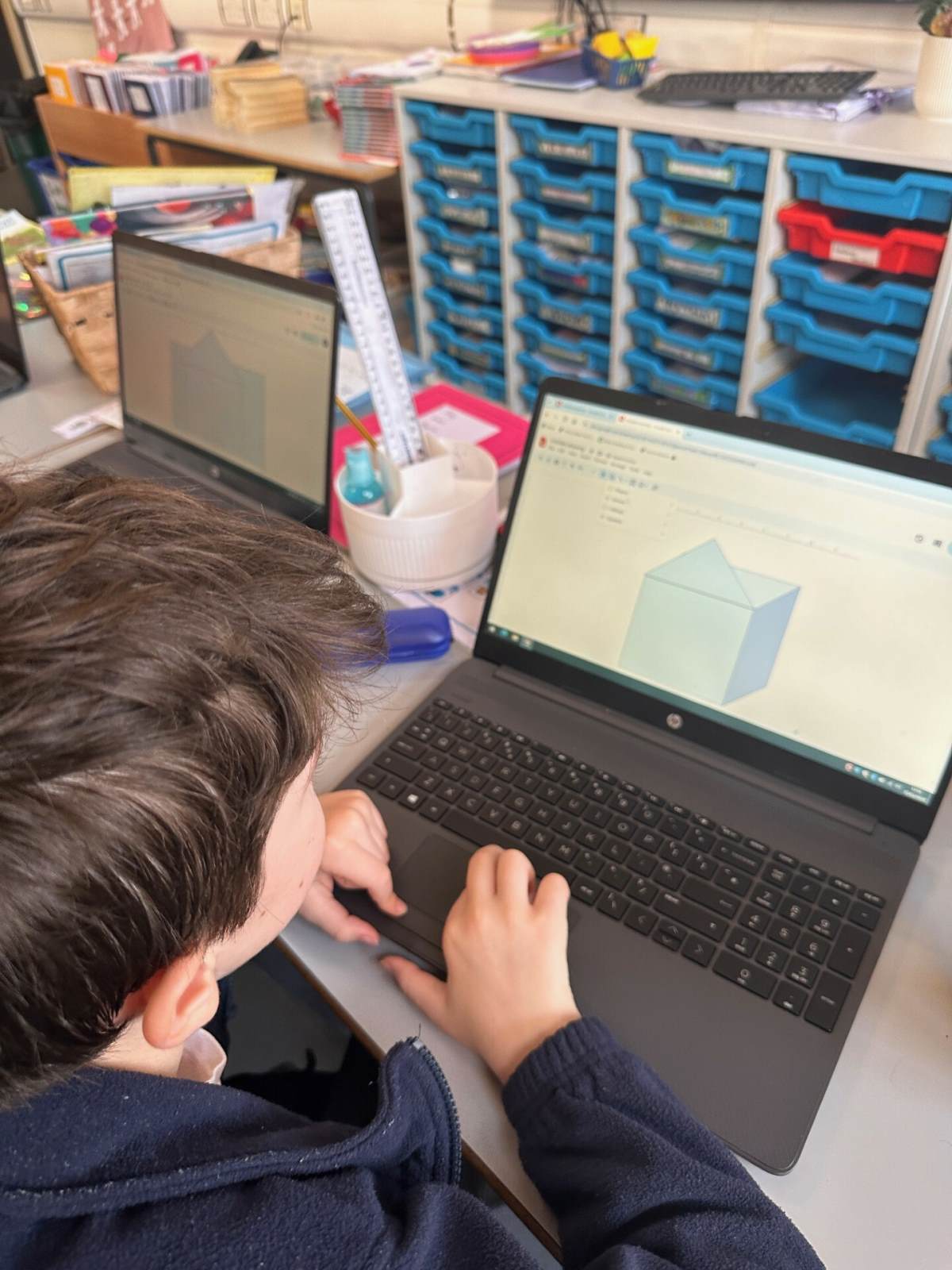
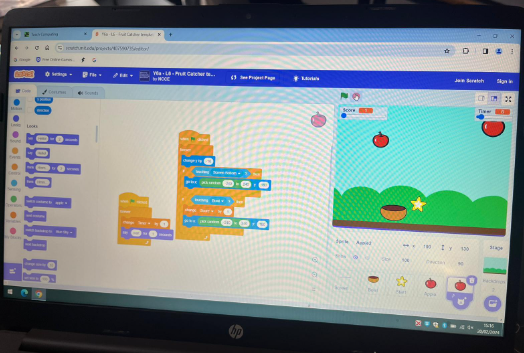
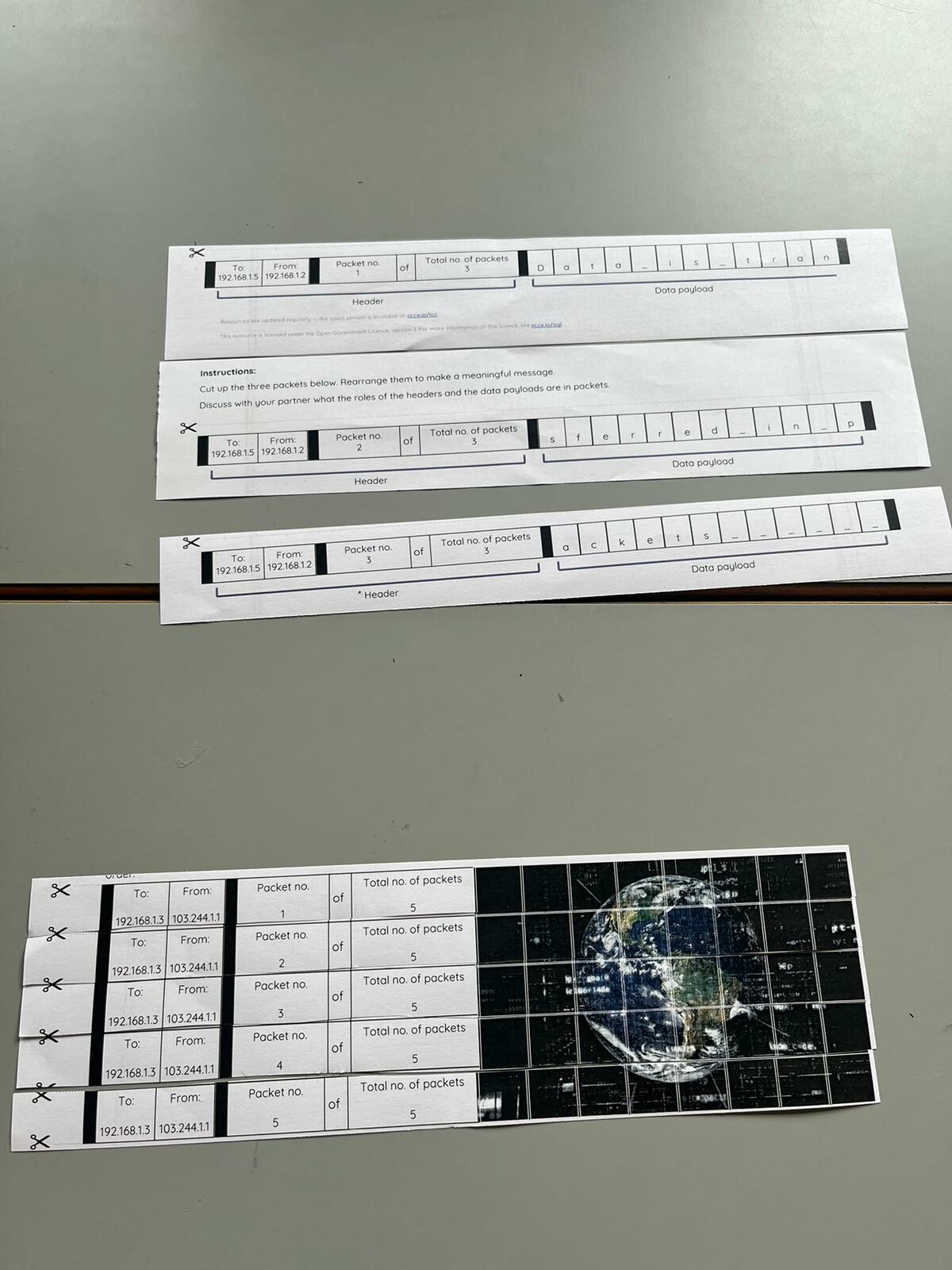
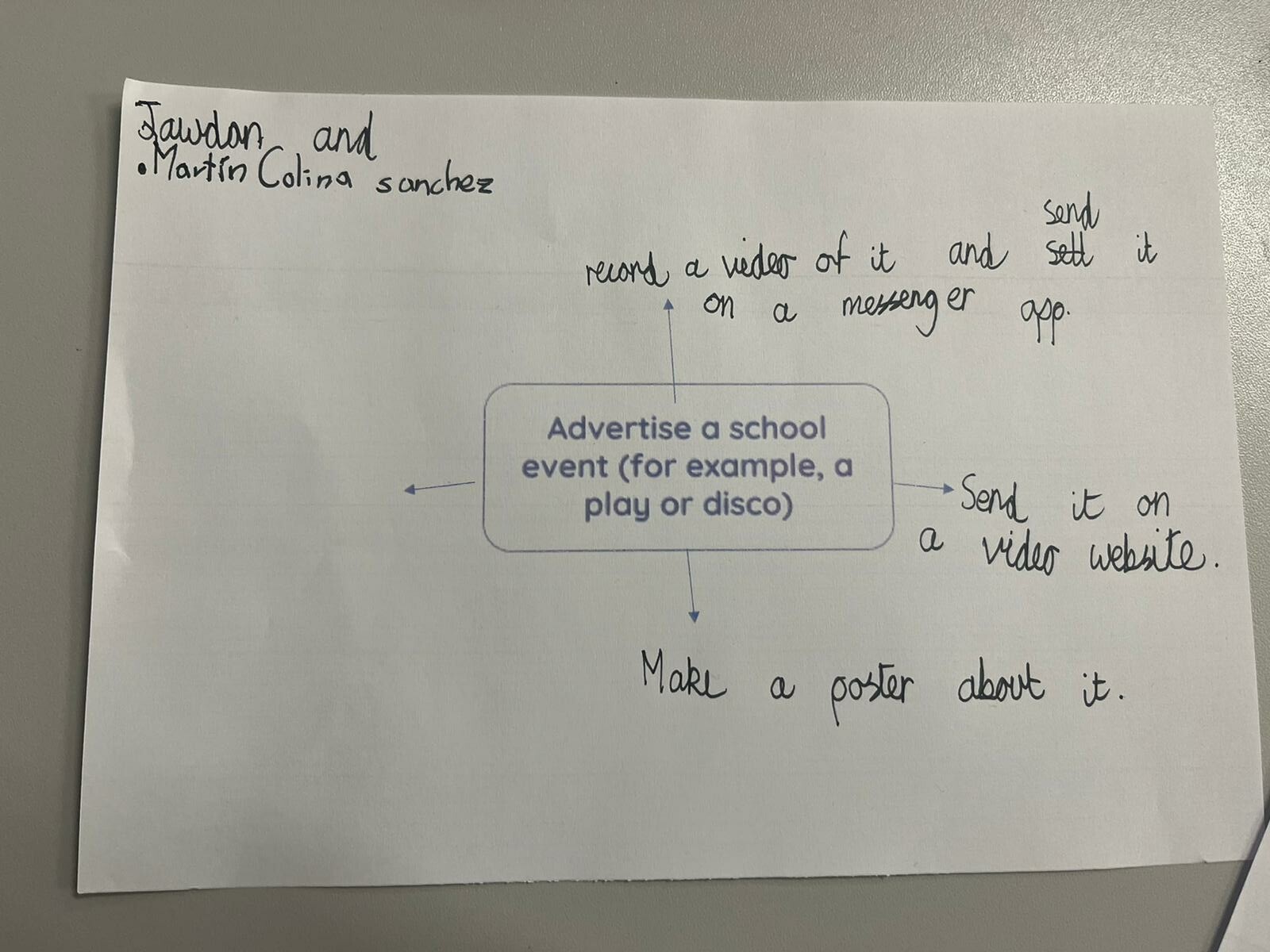
At Keyworth, we learn about the core Computing skills that we need as well as using our technological skills all across the curriculum.
-
Computing Curriculum Map
download_for_offline
↑
download_for_offlineComputing Curriculum Map
- Computing Curriculum Statement download_for_offline
download_for_offlineComputing Curriculum Statement
- Computing Progression of Skills KS1 download_for_offline
download_for_offlineComputing Progression of Skills KS1
- Computing Progression of Skills KS2 download_for_offline
download_for_offlineComputing Progression of Skills KS2
- Computing Vocabulary Progression download_for_offline
download_for_offlineComputing Vocabulary Progression
E-Safety
At Keyworth, the Online Safety of our children is extremely important.
There are three main ways we aim to keep pupils safe online:
1) We ensure that within our school the Internet is filtered so that the risk of children accidentally finding inappropriate or upsetting content is low, while still enabling pupils to have access to content that enhances their learning. This is monitored every few weeks by the Designated Safeguarding Lead.
2) We enable pupils to understand how to keep themselves safe and protected against harmful content or activity online both through our PHSE curriculum and during Computing lessons (see Computing Curriculum Page), and is referred to during wider curriculum lessons where children access the Internet.
3) We share Online Safety messages to parents and the wider school community.
For further information about Online Safety in the curriculum, you may wish to explore Education for a Connected World, a government publication created in collaboration with several organisation, which details key learning objectives at different developmental stages, from reception through to the end of Secondary school. This document guides what we teach in school, so that children have a broad and comprehensive understanding of a range of Online Safety topics.
Education for the Connected World
Useful Sites for Parents
Being a parent and navigating how to respond to the challenges of the online world can seem daunting at times, but there are several really helpful websites you can visit, packed with useful advice on how to respond to a range of issues.
Internet Matters is a valuable resource of information about how to set controls on Social Media accounts, gaming sites, broadband, smartphones and entertainment and search engines. They also have sections for parents of different age groups with suggested activities, apps and games and advice grouped by age (pre-schoolers, 6-10 year olds and pre-teens).
The NSPCC also has lots of useful advice, including: how to set parental controls on devices, games or apps your child might be using, what you might need to know if you have a child with SEND, or what to do if you are worried about something online.
As well useful advice for parents about a range of online issues, Childnet also has some great animations explaining online safety for children aged 3-7 and aged 7-11.
- Computing Curriculum Statement download_for_offline